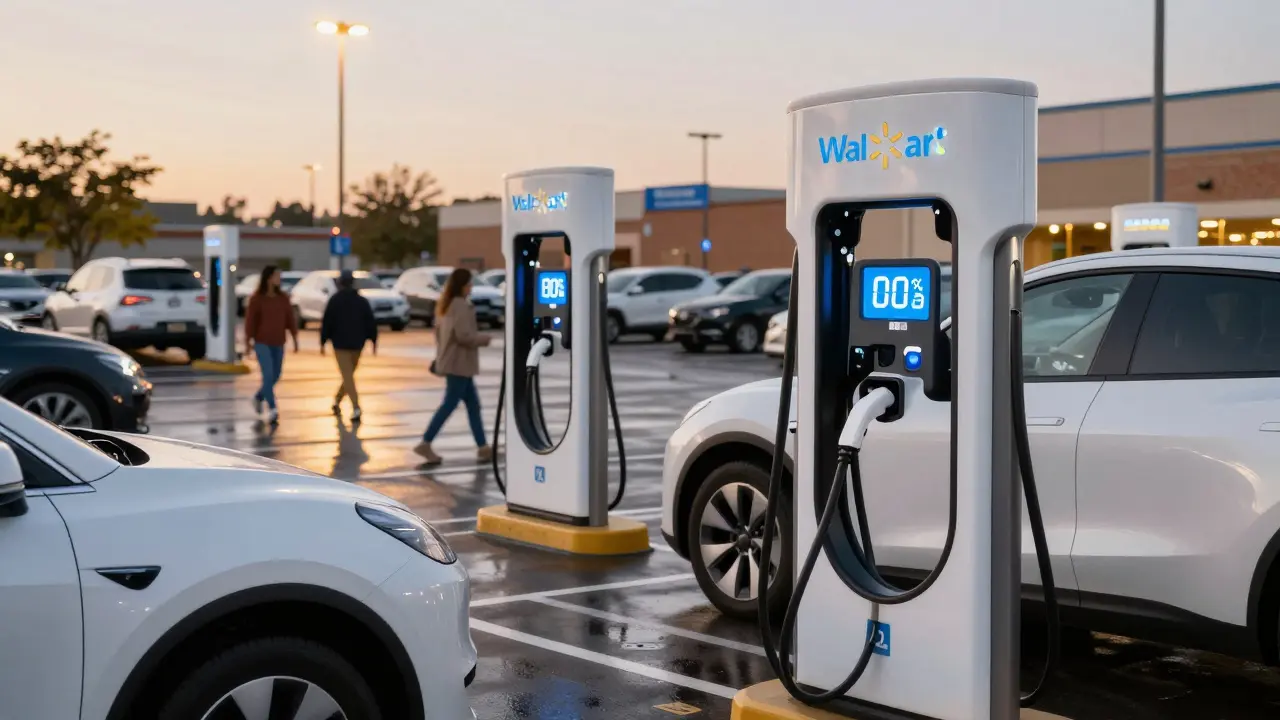
If you own an electric vehicle, you’ve probably stared at your dashboard wondering if you’ll make it to the next charger. The fear isn’t just anxiety-it’s real. One wrong turn, a broken station, or a charger taken by a gasoline car can leave you stranded. But public charging networks have gotten a lot better since 2023. Today, finding and using a charger is faster, simpler, and more reliable than ever-if you know how.
How Public EV Charging Networks Work
Public charging networks are groups of charging stations owned and operated by companies like Electrify America, EVgo, Tesla Supercharger, and ChargePoint. These networks aren’t random spots plugged into the grid-they’re mapped, monitored, and maintained. Most stations are located along highways, in shopping centers, parking garages, and rest stops. The key is that they’re open to any EV driver, not just customers of the company that runs them.
There are three main types of public chargers:
- Level 2 (L2): Adds about 20-30 miles of range per hour. Common in parking lots and urban areas. Takes 4-8 hours to fully charge most EVs.
- DC Fast Charger (DCFC): Also called Level 3. Adds 60-100 miles in 10-15 minutes. These are the ones you use on road trips. Most modern EVs can charge at up to 250 kW on these.
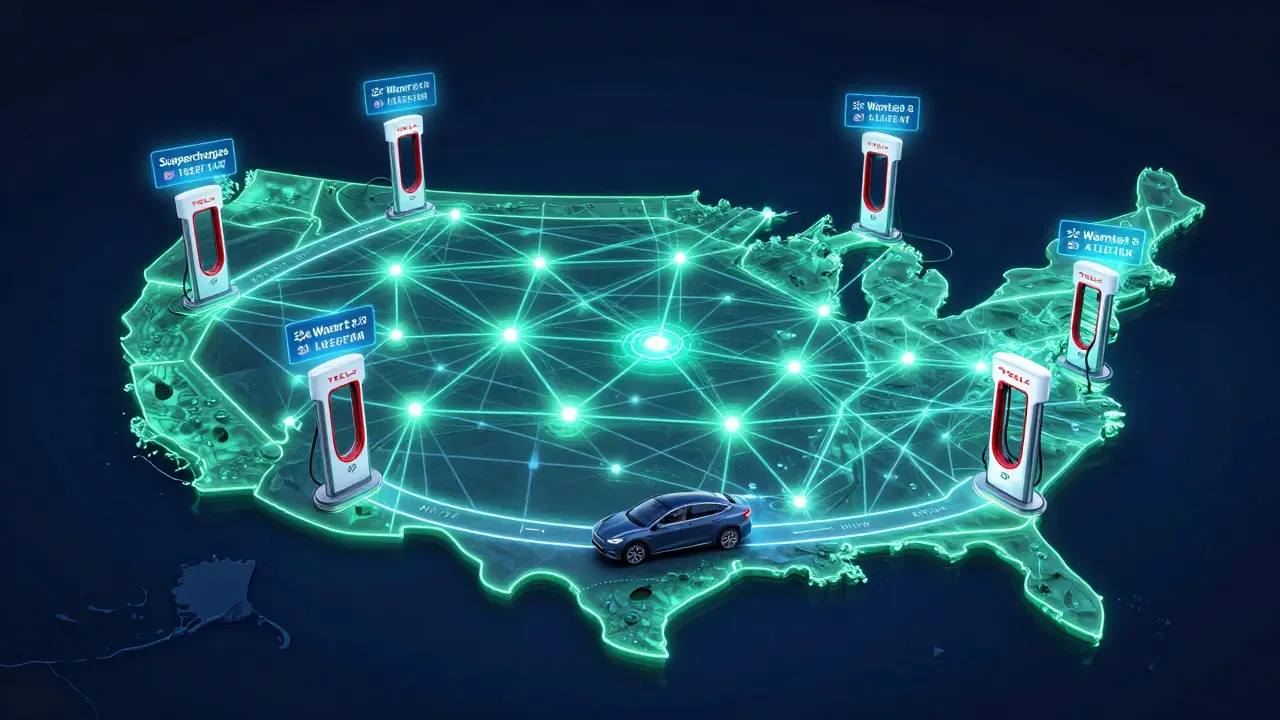
- Tesla Supercharger: Technically a DCFC, but originally only for Tesla. Now, many are open to non-Tesla EVs with an adapter or built-in NACS port.
Most new EVs sold in 2025 have the North American Charging Standard (NACS) port. That’s the same port Tesla uses. If your car has a CCS plug, you’ll need an adapter at some stations-but many newer stations now have both.
Where to Find Public Chargers
Forget guessing or relying on Google Maps. You need apps. The best ones are built into your car’s infotainment system or available as standalone apps.
Here are the top three apps used by EV drivers in 2026:
- PlugShare: Crowdsourced. Shows every station-public, private, even ones in driveways. Includes photos, real-time status, and user reviews. Great for finding hidden gems.
- EVgo: Best for fast charging on the go. Shows only DCFCs, filters by network, and has a built-in payment system. Works with most EVs.
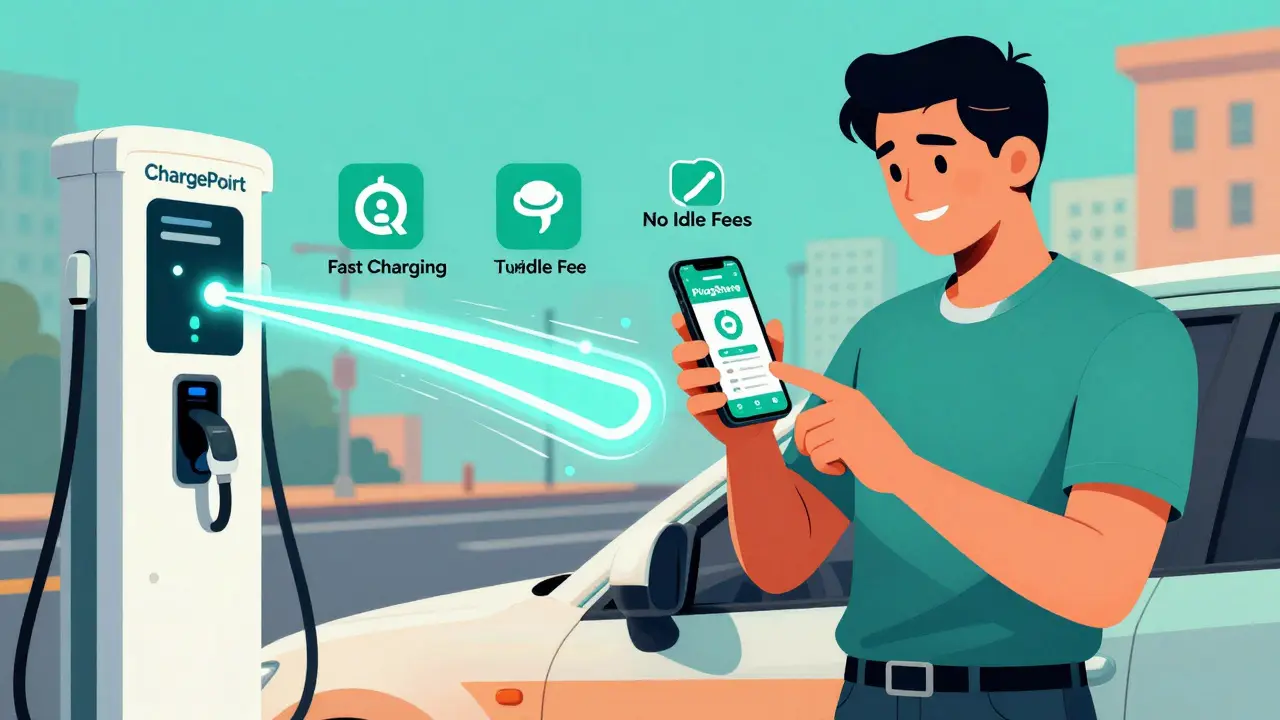
- ChargePoint: Strong in urban areas and workplaces. Has over 100,000 stations across the U.S. and integrates with Apple CarPlay and Android Auto.
Pro tip: Always open your charging app before you leave. Check the status of your target station. If it says "in use," look for the next one. Stations can be busy during lunch hours or weekends. Avoid peak times if you’re in a hurry.
How to Use a Public Charger
Using a public charger isn’t complicated, but there are a few steps you can’t skip.
- Check compatibility. Make sure the charger supports your car’s plug type. If you have a CCS car, look for stations with CCS or dual-port connectors. NACS cars can use any new station with a NACS port.
- Open the app. Most stations require an app to start charging. Some older ones use RFID cards, but those are rare now.
- Connect the cable. Plug in. Most stations have the cable attached to the unit. No need to carry your own.
- Start charging. Tap "Start Charging" in the app. Some stations require you to scan a QR code on the charger.
- Wait. Don’t leave your car unattended unless you have to. Many stations have cameras or sensors that alert staff if something’s wrong.
- End the session. When done, tap "Stop Charging" in the app. The cable will unlock automatically. Never yank it out-wait for the system to release it.
Some stations require a subscription. Others charge per kWh or per minute. Prices vary wildly. In Asheville, a DCFC might cost $0.35 per kWh. In California, it can hit $0.50. Always check the app before you plug in.
Costs and Payment Options
Charging isn’t free-but it’s still cheaper than gas. Here’s how pricing works in 2026:
- Per kWh: You pay for the energy used. Most common for commercial networks. $0.25-$0.50 per kWh.
- Per minute: Used at Tesla Superchargers and some others. Higher rates after your car hits 80% charge to encourage turnover.
- Flat fee: Rare, but some parking lots charge $10-$15 for up to 2 hours.
Payment methods? Most apps let you link a credit card. Some offer monthly plans:
- EVgo Pass: $15/month gives you $10 in free charging and lower per-kWh rates.
- ChargePoint Unlimited: $19.99/month for unlimited Level 2 charging at their stations.
- Tesla Membership: Non-Tesla drivers pay $12/month for discounted Supercharger access.
Bottom line: If you charge often, a monthly plan saves money. If you’re a casual user, pay-as-you-go is fine.
Pitfalls to Avoid
Even with better tech, mistakes still happen. Here are the top five things that go wrong-and how to dodge them.
- Assuming all chargers work with your car. A station might say "DC Fast" but only have CCS. If your car is NACS, you’ll need a different station or adapter.
- Not checking the status. A station might be offline, under maintenance, or broken. PlugShare shows real-time status from users.
- Leaving your car too long. Many networks charge idle fees after your car is fully charged. Tesla Superchargers hit $1/min after 10 minutes of full charge. Other networks charge $0.50-$1/min.
- Not having a backup plan. Always have two chargers in mind. If your first choice is full or broken, you need a second nearby.
- Forgetting to unplug. If you don’t end the session, the cable stays locked. You’ll have to call support or wait for someone to reset it.
What’s New in 2026
The public charging landscape changed fast in the last two years.
- NACS is now the standard. Ford, GM, Rivian, Hyundai, and Kia all switched to NACS ports in 2024. Most new chargers now come with NACS as default.
- More free charging. Walmart, Target, and Kroger now offer free Level 2 charging for customers in over 2,000 locations. No purchase needed.
- AI-powered station alerts. Apps now predict when a charger will free up based on usage patterns. Some even notify you when your car is 80% charged so you can move it.
- Charging at gas stations. Chevron, Shell, and 7-Eleven have added DCFCs at over 1,500 locations. You can charge while you buy snacks.
These changes mean you don’t need to plan your entire trip around charging anymore. You can just drive.
What to Do If a Charger Breaks
It happens. A station says it’s available, you plug in, and nothing happens. Don’t panic.
- Check the app again. Sometimes the status is wrong.
- Try restarting the charger through the app. Some have a "Reset" button.
- Look for a phone number on the charger. Most have a support line.
- If you’re stuck, use PlugShare to find the next closest station. Most apps show alternatives in real time.
- If you’re on a highway and out of range, call roadside assistance. Most EV warranties include 24/7 towing to the nearest charger.
Keep a portable charger in your trunk. It won’t save you on a long trip, but if you’re stuck in a parking lot with 10 miles left, it can get you to a hotel.
Can I use a Tesla Supercharger if I don’t own a Tesla?
Yes. Since late 2023, Tesla opened over 10,000 Superchargers to non-Tesla EVs in the U.S. You need a NACS-compatible car or a CCS-to-NACS adapter. Use the Tesla app to locate, reserve, and pay. Rates are slightly higher than other networks, but reliability is excellent.
How long does it take to charge an EV at a public station?
It depends. Level 2 chargers take 4-8 hours for a full charge. DC fast chargers add 60-100 miles in 10-15 minutes. Most EVs charge fastest between 10% and 80%. After 80%, speed drops to protect the battery. A 30-minute stop usually gets you 200+ miles of range.
Are public chargers safe to use in the rain?
Absolutely. All public EV chargers are weatherproof and meet strict safety standards. The connector only sends power when fully inserted and locked. You can charge in snow, rain, or hail without risk.
Do I need to download multiple apps to use public chargers?
Not anymore. Many networks now support roaming agreements. If you use the PlugShare app, it can start charging at ChargePoint, EVgo, and Electrify America stations without switching apps. You’ll still need to link a payment method, but you won’t need 5 different accounts.
What if I arrive and all the chargers are taken?
Use your app to see wait times. Some apps show how long a car has been plugged in. If it’s been over 30 minutes past full charge, the driver is probably just parked there. Try the next station. If you’re in a pinch, call the network’s support line-they can sometimes remotely unlock a charger if the car is fully charged.
Public charging is no longer a hassle. It’s just part of driving an EV. With the right app, a little planning, and awareness of your car’s limits, you’ll never run out of power again. The network is growing. The tech is smarter. And you’re ready for it.
Diwakar Pandey
January 11, 2026 AT 10:51Been using PlugShare for two years now and it’s saved me more times than I can count. Found a hidden Level 2 at a small library in rural Nebraska last winter-no one else was there, free, and the heat was on. Best part? No app switching needed. Just plug in, walk away, come back to a full battery.
Ajit Kumar
January 12, 2026 AT 04:23It’s astonishing how many people still treat EV charging like it’s some kind of mystical ritual. The infrastructure has been stable for over a year now, and yet we still see drivers arriving at stations without checking the app, leaving their cars plugged in for hours after reaching 100%, and then complaining about idle fees. This isn’t rocket science-it’s basic responsibility. If you can operate a smartphone, you can operate a charger. The fact that this even needs explaining speaks volumes about the general lack of preparedness among new EV owners.
Geet Ramchandani
January 13, 2026 AT 11:32Oh please. You say it’s easier now? Tell that to the guy who drove 90 miles to a Tesla Supercharger only to find it broken, the app said it was available, and the support line had a 47-minute hold time. And don’t even get me started on the $0.50/kWh price gouging in California. This isn’t progress-it’s corporate exploitation wrapped in a glossy app interface. They want you to think it’s convenient so you’ll stop asking why the government isn’t funding public charging like it’s infrastructure, not a subscription service.
Jen Deschambeault
January 14, 2026 AT 04:11I moved from gas to EV last year and honestly? I was terrified. Now I can’t believe I ever worried. Last weekend I drove from Vancouver to Whistler, charged at three different stations, and never once had to wait. The apps just work. It’s not magic-it’s just done right. You don’t need to be an expert. Just open the app and go.
Kayla Ellsworth
January 14, 2026 AT 12:38They say charging is easier now. Meanwhile, my 2023 Chevy Bolt still needs an adapter for half the stations, and the ones that say they’re NACS compatible? Half of them have the wrong cable. This isn’t progress. It’s a mess with better marketing.
Soham Dhruv
January 14, 2026 AT 18:27just got my first ev last month and wow the charging is way easier than i thought. used chargepoint at a walmart and it worked first try. no fuss. also found a free one at a target just by using plugshare. life is good
Bob Buthune
January 15, 2026 AT 22:56I’ve been driving EVs since 2019, and I can tell you this: the real tragedy isn’t broken chargers or high prices-it’s the loneliness. You sit there, plugged in, watching the battery climb, and you wonder: who else is out here doing this? No one talks about how isolating it can be. You’re not just charging a car-you’re charging your soul. And sometimes, after a 45-minute wait at a station where the app says ‘available’ but the charger’s dead… you just sit there. And cry. Not because you’re out of power. But because you’re out of hope.
Jane San Miguel
January 16, 2026 AT 17:10While the piece is superficially accurate, it fails to address the fundamental inequity in charging infrastructure deployment. Urban centers and affluent suburbs benefit disproportionately, while rural communities and low-income neighborhoods remain underserved. The narrative of ‘it’s easier now’ is a luxury perspective, ignoring the systemic neglect of equitable access. True progress requires policy, not just apps.
Kasey Drymalla
January 17, 2026 AT 02:42They’re lying about the chargers. The government put trackers in every plug. They’re watching you. They want to know when you charge, how long, and where you go next. That’s why they made it so easy. So you don’t notice. You think you’re free. You’re not.
Dave Sumner Smith
January 18, 2026 AT 09:28Don’t believe the hype. Tesla doesn’t open chargers for you. They’re baiting you. Once you’re hooked, they’ll raise prices, lock you out, and make you pay for every single kWh. They own the grid now. You think you’re driving a car. You’re driving a subscription. They own your battery. They own your time. They own you.
Cait Sporleder
January 20, 2026 AT 09:23It is indeed a remarkable transformation-from the early days of hunting for a single functional charger in a sea of broken hardware, to today’s ecosystem of AI-driven predictive availability, seamless roaming protocols, and interoperable payment systems. The convergence of hardware standardization (NACS), software integration, and consumer behavioral adaptation has created a new paradigm in mobility infrastructure. One must acknowledge the profound logistical, economic, and sociotechnical coordination required to achieve such scalability in under three years. This is not merely an improvement; it is a redefinition of urban and interurban mobility.
Paul Timms
January 22, 2026 AT 01:17Good guide. Just remember to always check the app before you plug in. And never leave your car parked at a charger after it’s done. That’s just rude.
Jeroen Post
January 22, 2026 AT 04:23They say NACS is the future. But who decided that? Tesla didn’t consult anyone. They just took over. Now everyone’s forced to adapt. That’s not innovation. That’s monopoly. And the apps? They’re all owned by the same few corporations. You think you’re choosing a network. You’re just picking which corporate cage to sit in.
Pooja Kalra
January 24, 2026 AT 03:09Charging an EV is not about technology. It’s about surrender. You must surrender your illusion of control. You must surrender your expectation of convenience. You must surrender to the rhythm of the grid, the whims of the app, the silence of the charger that doesn’t respond. The car does not belong to you. The charger does not serve you. You are merely a guest in a system designed by machines and managed by algorithms. And yet… you still come back. Why? Because you have no other choice. And that, perhaps, is the truest form of progress.
Sumit SM
January 25, 2026 AT 16:07Wait-so you’re telling me that I can now charge my EV at a 7-Eleven? And they have snacks? And I don’t need to download 12 apps? And the charger doesn’t break every other time? And the price isn’t $1.20 per kWh? I mean… I’m not saying I believe it… but… I’m starting to wonder if I’ve been living in the wrong decade.